
How to Create a Meaningful Funeral Photo Slideshow for a Memorial Service
Choosing photos for a memorial slideshow can feel overwhelming during grief. I am here to guide you in creating a tribute that honors their life with compassion.
This article will help you build a slideshow that feels personal and respectful, covering selecting photos that tell a story, arranging them in a meaningful order, choosing fitting music, and using simple tools to bring it all together.
Key Takeaways: Gentle Guidance Before You Begin
When you sit down to make this slideshow, remember what it truly is. Creating this memorial is a profound gift of love, not a test of your technical skill. I have watched families find comfort in this simple act of curation, much more than in any perfectly edited video.
Do not worry about including every single photograph or getting the dates exactly right. Your primary goal is to evoke a feeling of connection and warmth, not to present a flawless historical record. Think of it as painting a portrait with light and memory, not writing a textbook.
You knew this person in a way no one else did. Your favorite silly picture or a quiet moment you shared holds immense power. Your unique perspective, filtered through love and personal history, is the most important ingredient in this entire process. Trust it.
First Steps: A Compassionate Checklist
-
Enlist a helper for technical or emotional support if needed. Grief can make simple tasks feel enormous. Ask a friend or family member to sit with you, handle the computer, or simply be a comforting presence. You do not have to do this alone; consider joining a grief support group to connect with others who understand.
-
Set a soft deadline at least 48 hours before the service. This gives you a gentle boundary and time to rest your eyes and heart before the final viewing. Rushing at the last minute adds unnecessary strain.
-
Gather photos from one trusted source first to start simply. Begin with your own phone or a single album. This prevents the paralysis that can come from facing boxes of scattered memories all at once. You can always add more later.
-
Choose one piece of music before you even look at software. The right song or melody will set the emotional tone and help you select images that match its rhythm. I often find that the music chooses the pictures, not the other way around.
How to Gather and Select the Right Photos
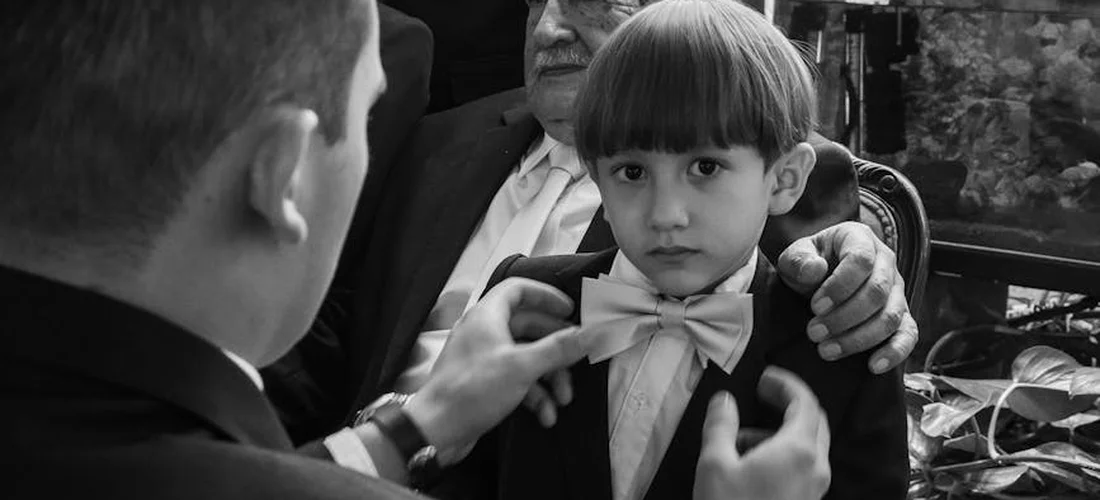
Reach out to family and friends with gentle, specific requests. Instead of a broad ask, you might say, “Do you have any photos from our summer cabin trips?” This makes it easier for people to search their memories and share.
Selecting photos is about telling a story. Include images from childhood, teenage years, and adulthood to show the full arc of a life, honoring each chapter with care. This creates a narrative that feels complete and respectful.
I often suggest choosing candid shots over formal portraits. A picture of them laughing while gardening or focused on a craft reveals their true spirit. These moments capture personality in a way posed photos sometimes cannot.
Photos with family and friends are not just welcome, they are vital. These images celebrate the relationships that shaped their life and offer comfort to everyone grieving. They remind us of love and connection.
What Is the Best Way to Organize the Photos?
You can organize chronologically, like a life journey, or thematically, around love, adventure, or quiet moments. Chronological order feels like a story unfolding. Thematic order highlights the essence of who they were.
Start with a strong, clear early photo, perhaps a childhood portrait. End with a comforting recent image, like one from a family gathering. This beginning and end provide a sense of journey and peace.
For a natural, emotional flow, a combination often works best. You might begin with childhood in order, group adult years by hobbies or passions, and finish with recent cherished times. This blend feels authentic and moving.
How Do You Handle Photos of Varying Quality?
When scanning old prints, use a clean scanner and adjust the brightness and contrast slightly. This can bring out details without stripping the photo of its character. Simple edits on your computer can help faded colors feel a bit brighter.
Embrace the character of imperfect photos. A slightly blurry snapshot from a wedding or a faded beach picture holds its own truth. These imperfections often carry the weight of memory, making them deeply meaningful.
If you have several lower-quality images, group them together in the slideshow. You can also set them to display for a shorter duration. This allows them to contribute to the story without disrupting the visual rhythm.
Choosing the Right Tools and Software
Beginner-friendly software and apps with pre-made memorial templates can be a gentle guide. They often have thoughtful designs that help you focus on the photos, not the technical details. These tools can also be used to craft personalized funeral memorial cards and booklets that honor a loved one. With simple customization options, you can tailor layouts and captions to tell their story without getting overwhelmed.
Built-in computer software is simple and readily available. Programs like Apple’s iMovie or Microsoft Photos are already on your device. I have seen families create heartfelt slideshows using just these tools, finding the process straightforward.
If the task feels too heavy, hiring a professional service is a compassionate choice. They can manage the creation for you, allowing you to simply provide the photos and stories. This can lift a weight during a difficult time.
What Software or Tools Are Recommended?
Specific programs I recommend include Canva, Adobe Spark, and Microsoft PowerPoint. Canva is known for its drag-and-drop simplicity and offers gentle transition effects suitable for a memorial. It has templates that set a respectful tone, similar to those you’d find when designing and printing funeral programs.
Focus on tools with easy features. Look for drag-and-drop editing and subtle transitions like fades or dissolves. Avoid flashy animations that might distract from the photos’ solemn beauty.
Consider privacy when choosing between online services and desktop applications. Online tools are convenient but store your photos on their servers. Desktop applications keep your files on your computer, which might feel safer for personal memorial content.
Crafting the Atmosphere: Music and Text

The right music does more than fill silence. It wraps the room in memory, guiding hearts toward a shared feeling. I have seen a familiar hymn or a favorite song soften a room, making the weight of loss feel a little more bearable.
Choose music your loved one cherished. Think of the tunes they hummed, the albums they played, or the concerts they loved. If nothing specific comes to mind, select instrumental pieces that mirror their spirit, like a gentle folk melody or a calm classical adagio. Music that echoes their life becomes a bridge, connecting every person present to the story being told.
For a public memorial service, it is wise to check music licensing. Many venues have agreements that cover common songs, including traditional hymns and funeral songs, but a quick confirmation can prevent any disruption to your moment of tribute.
Should You Include Captions or Text?
Words can frame a picture, but they can also crowd it. A simple caption like “Grandpa, 1982” helps younger relatives understand who they are seeing. Yet, often, a photograph of a laughing face or a quiet moment needs no explanation at all.
Use text sparingly. Consider a single title slide with their name and dates. You might add a short, poignant line they often said or a quote they loved. Let the images carry the primary weight of memory, using words only as gentle signposts.
When you do use text, pick a clean, readable font. Choose a soft color, like off-white or pale gray, that contrasts gently with the background. This ensures the words are seen without pulling focus from the photographs.
Finalizing Length, Timing, and Display
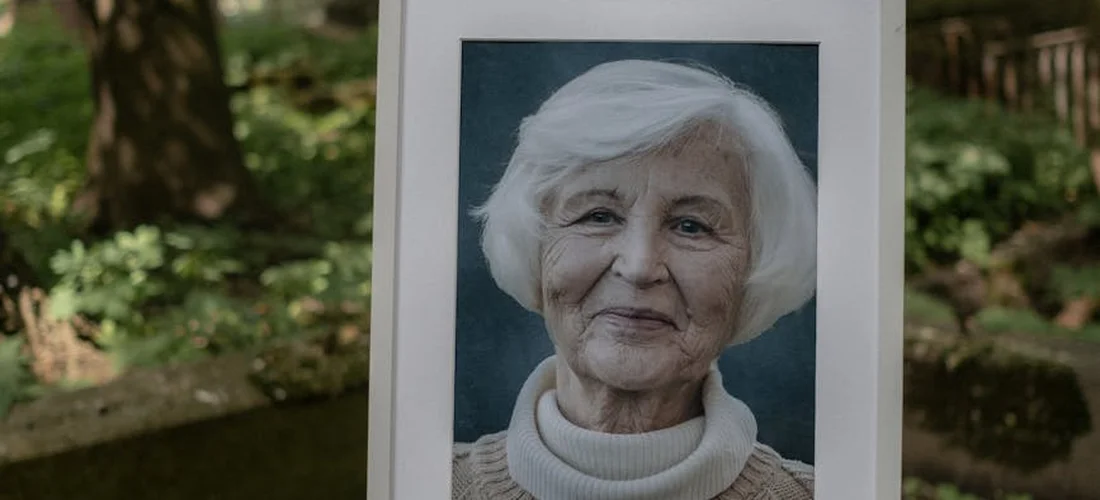
A common question is how long the slideshow should be. Aim for five to ten minutes. This length is enough to honor a life without overwhelming grieving attendees during the service.
For a five to ten minute presentation, you might use 60 to 120 photos. A good rule is to show each image for about three to five seconds. This pace allows for reflection without rushing. It is better to have a shorter, more resonant collection than a long parade of every snapshot.
Remember its role. The slideshow is a comforting backdrop, a visual embrace for the room. It should not command attention like a film premiere, but rather support the spoken words and shared silence of the memorial.
How Can You Ensure a Smooth Presentation?
Technical hiccups can add stress. Run a full test before the service. Use this simple checklist.
- Verify the file format works on the venue’s equipment.
- Check that the sound plays clearly at the right volume.
- Confirm the display screen or projector is functioning.
Assign a trusted, calm person solely to press “play.” This could be a friend or a family member not involved in speaking. Always have a backup copy of the slideshow on a separate USB drive or a different laptop. Peace of mind is worth this small step.
Finally, inform the funeral director, venue coordinator, or officiant about your plan. They can help with timing and logistics, ensuring the transition into this tribute feels seamless and respectful.
Personal Perspective: A Note from Experience
I have helped many people gather photos for a memorial service. Holding those pictures, you feel the full weight of your love and your loss. This work is also a gift, a gentle way to walk back through a lifetime of moments.
You might open an old album and feel a wave of sadness or confusion. Wanting every detail to be just right is a natural response to such an important task. Allow yourself to feel all of this without judgment; there is no wrong way to grieve or to remember.
The most powerful slideshows I have seen were simple. What made them beautiful was the clear, heartfelt intention behind each chosen image. Your love is the thread that ties every picture together, and that is what will be seen and felt.
Frequently Asked Questions
Is it appropriate to include photos of family and friends, or should it focus solely on the deceased?
Including photos with family and friends is not only appropriate but encouraged, as it celebrates the relationships that defined their life. The slideshow should always keep your loved one as the central focus, with others included to show connection and love.
How can you incorporate music that was meaningful to the deceased?
Choose one or two songs your loved one cherished or that reflect their spirit, like a popular funeral song or a gentle instrumental piece. Ensure the music file is of good quality and the volume is set to support, not overpower, the visual tribute.
How can you ensure the slideshow is respectful and honors the person’s memory?
A respectful slideshow honors the person’s true spirit by selecting images that reflect their dignity, joys, and relationships. Trust your loving intention-this focus naturally creates a tribute that feels both personal and universally honoring.
Parting Reflections on a Memorial Slideshow
The heart of a meaningful slideshow lies in its honesty, weaving a visual story that reflects the true spirit of your loved one. Choose photographs that capture their essence, not just milestones, to create a tribute that feels personal and resonant. Remember, this is not just about selecting images but about telling a story, much like the funeral memorial videos that offer a step-by-step guide to honoring memories.
This thoughtful preparation is a gentle act of Funeral Care, inviting you to approach all Funeral Needs with similar dignity. I encourage you to consider eco-conscious and green funeral options and continue exploring Funeral Questions as you honor their memory with respect and practical compassion.
Emiliana Dieter
Emiliana is an author at The Valedictory. She is an experienced funeral care advisor and arranged and organized many funerals as part of her end of life consulting services. She has over 8+ years in the funeral industry managing her family funeral business and helping families cope with the loss of their loved ones. Her articles answer any and all questions you might have regarding funeral arrangements, costs, preparations, etc so you can make this a seamless experience.